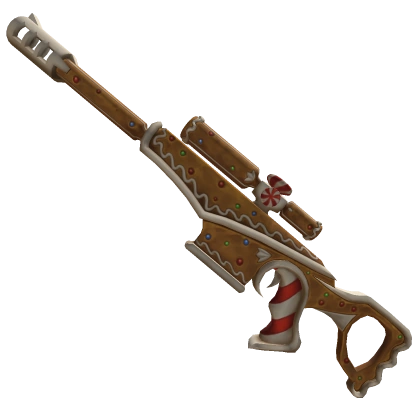
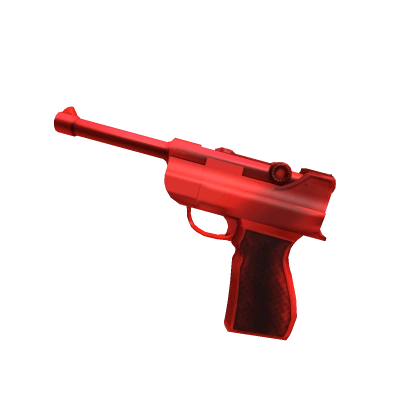
Advanced crosshair customization with 50+ unique styles and 6+ precision sizes. Undetected. Built for winners.
Select any map or scale to test precision in real MM2 gameplay environments (better check in-game).
50+ unique crosshair designs (more in the extension itself) · Swipe or click arrows







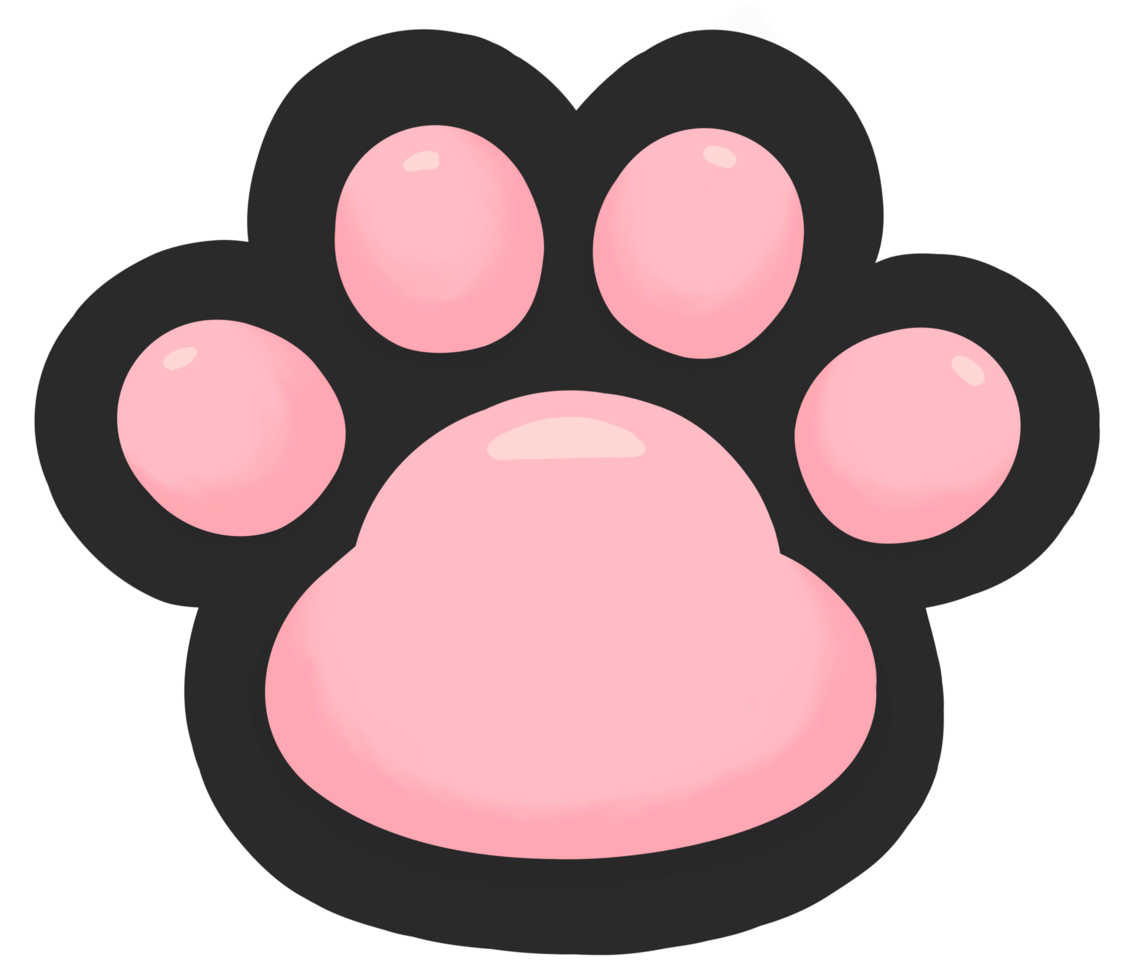

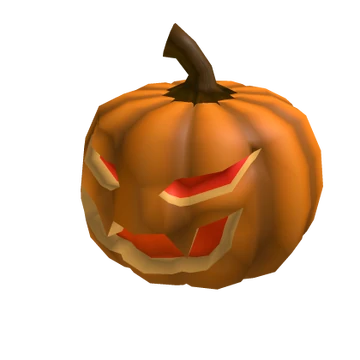
6 precision scales · From micro to macro
Chrome · Edge · Brave · Manifest V3
Unpack MM2-Elite-Crosshair.zip into a folder you are going to keep — Documents, for example. Deleting the folder later removes the extension.
Paste the address into a new tab. On Edge it is edge://extensions, on Brave brave://extensions.
chrome://extensions/
The switch sits in the top-right corner of the page. It has to be on — without it Chrome hides the button from the next step.
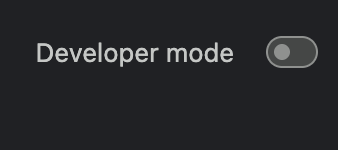 Before — switch is off
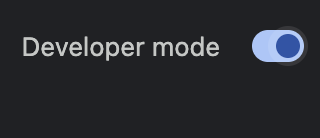 After — switch is on
A row of three buttons appears under the header as soon as Developer mode is on. The first one is the one you need.

Pick the folder that contains manifest.json — not the ZIP, and not a folder above it. The card below is exactly what a correct install looks like.
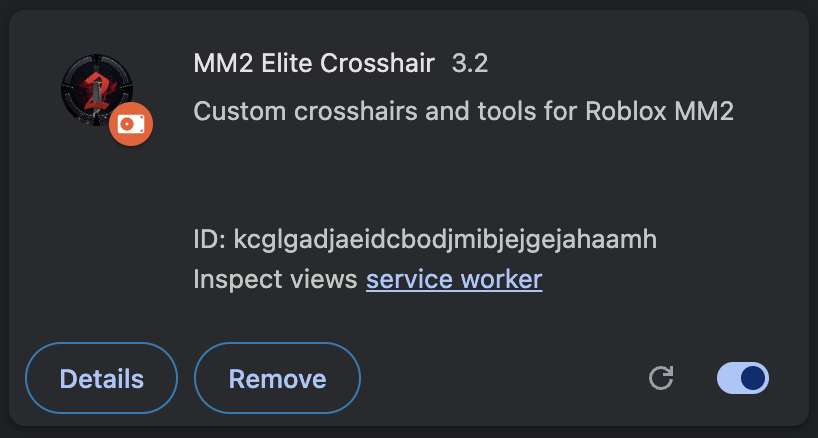 Installed and enabled — real card from chrome://extensions
Your cursor is already a crosshair. Click the extension icon in the toolbar to switch styles, change the size or turn it off for a moment. Pages that were open before the install need one reload.
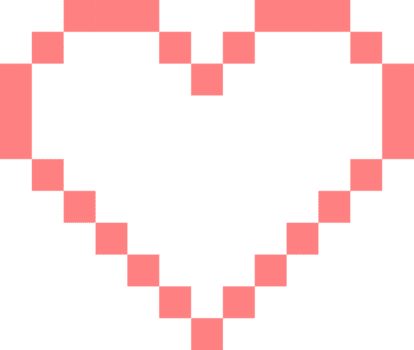
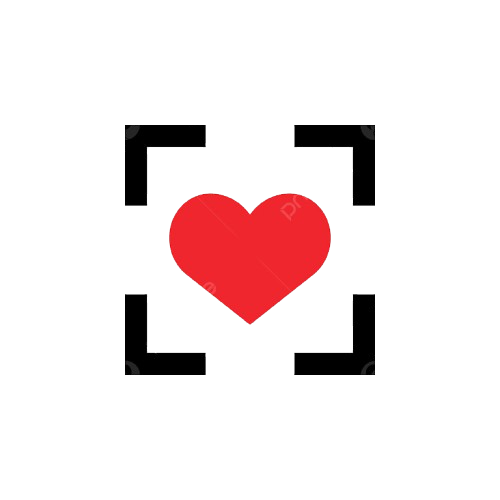
broken heart, cute bunny, cute cat, cute monkey, hello kitty, popcat1, popcat2, star, star2, plus, sniper, heart, pixel heart, heart scope, heart target, kawaii paw, dog love, pimkin and other
From 0.5x micro to 2x macro. Fine-tune your crosshair for every weapon and situation.
Test your crosshair on 4 MM2 maps before installing. See exactly how it looks in-game.
Built using advanced AI-driven technologies. No intrusive hooks—just a clean rendering engine layered over the base image.